
Bay County Jail Mugshots Overview
A mugshot is the front-facing photo a jail takes of a person at booking. In Bay County, that photo is made during intake at the Bay County Jail. The official booking process lists photographing as one of the steps each arrestee goes through, along with fingerprints, a search, and medical screening. The Bay County Sheriff's Office runs the jail and the public roster. Its online inmate search returns a column called Front Picture for people in custody. So the short answer is clear. Booking photos are taken here, and the sheriff's roster shows a front-picture field for current Bay County jail mugshots when one is on file for that person.
There is no separate Bay County mugshot gallery. The sheriff's office does not run a daily booking-photo feed, a most-wanted photo board, or a historical mugshot archive that the public can browse. Booking photos appear inside the inmate-search results, next to each person's booking and charge details. The roster is a live custody tool, not a press release of recent arrests. When a photo is not shown online, or the person has already left custody, the records-request route is the way to ask for it. The sections below walk through each path, what each one shows, and where Florida law fits in.
Where to Find Bay County Booking Photos
The first stop is the sheriff's Bay County Jail Inmate Search. This free app lets the public look up people held in the Bay County Jail. Results come back in a grid with four columns: Front Picture, Booking Information, Inmate Information, and Charges. The Front Picture column is where the booking photo appears for that person. The search runs on a name, so you do not need a case number to start. If the roster does not answer your question, the jail phone line and a public-records request to the sheriff are the next channels. Each path is covered further down.
The sheriff's inmate-search screen shows the layout most people use to pull up a booking photo, as seen on the Bay County Sheriff's Office inmate search.
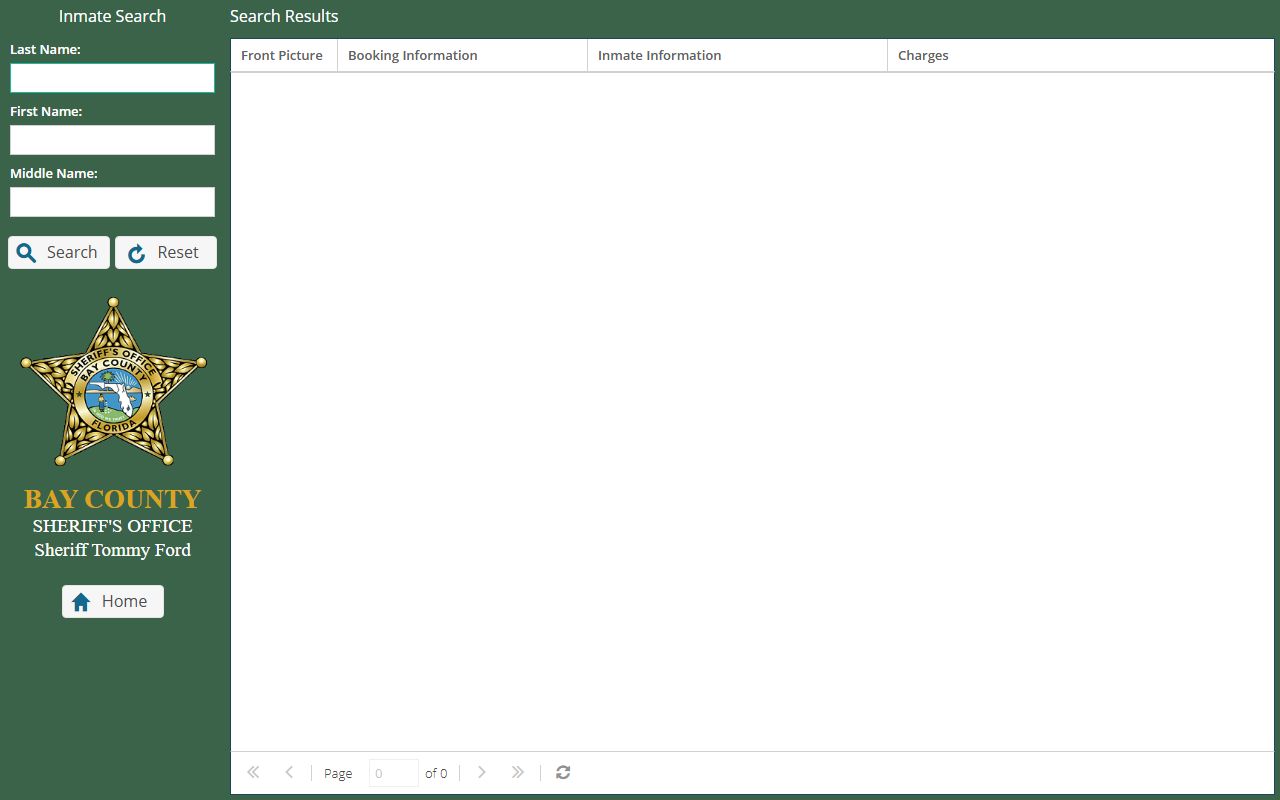
The name fields on the left run the query, and the results grid on the right is where the Front Picture column displays each person's Bay County jail mugshot. Use the steps below to move from a name to a photo.
- Open the Bay County Jail Inmate Search at the sheriff's site and find the search panel on the left.
- Type the person's last name. Add a first name and middle name if the last name is common and returns too many matches.
- Click Search and read the results grid. The Front Picture column holds the booking photo when one is on file.
- Review the Booking Information, Inmate Information, and Charges columns next to the photo for custody and charge details.
- If no photo shows, if the grid reads "No Records To Display," or if the person has been released, file a public-records request with the sheriff for the booking photo.
Note: a name search can miss a person booked under a maiden name, a hyphenated name, an alias, or a spelling you did not expect, so try common variations before giving up.
What a Bay County Booking Photo Shows
The public inmate search returns four columns, and the booking photo is one of them. The roster shows a Front Picture, plus blocks for booking details, inmate details, and charges. The photo is the front-view image made at intake. The sheriff's public source does not spell out the exact subfields inside each text block, so the safest read is the four columns the app actually displays. Height, weight, and date of birth are not confirmed as published fields on the public roster, so they are not listed here. The table below maps the four roster columns, with the Front Picture column called out as the booking-photo field.
| Field | What It Shows |
|---|---|
| Front Picture (booking photo) | The front-view booking photo taken at intake. This is the Bay County jail mugshot field, shown when a photo is on file for that person. |
| Booking Information | A booking-related text block. Likely carries booking date and time and custody status, though the public source does not expose the exact subfields. |
| Inmate Information | A person-level text block with the name and inmate identifiers shown in the result. |
| Charges | The charge text block, listing the booking charges. This is the widest column, which fits multi-line charge entries. |
One photo per booking is the model the public source supports. Multiple angles, side profiles, or a set of historical photos for the same person are not described in the official Bay County material, so do not expect them on the roster. The Front Picture is a single front-view image tied to the current custody record.
Are Bay County Jail Mugshots Public Record?
In Florida, booking photos are generally public records. They are reached through the state's open-records system, set out in Chapter 119 of the Florida Statutes. The law defines public records and says basic arrest facts, such as the arrestee's name, the time and place of arrest, and the charge, are open and not shielded as active investigative material. The custodian, here the sheriff's office, must let people inspect and copy nonexempt records at reasonable times. Some content can be redacted when an exemption applies, so a released record may have parts blacked out. A booking photo, though, is the kind of record the public can usually obtain.
Florida also has a law aimed squarely at commercial mugshot websites. It does not force the sheriff to take a roster photo down, but it does control private businesses that publish booking photos and then charge to remove them. The key statutes are summarized below.
Key Statutes:
Florida Statute § 119.011 - Defines public records and treats basic arrest facts such as name, time and place of arrest, and charge as open, not active investigative information.
Florida Statute § 119.07 - Requires the records custodian to allow inspection and copying at reasonable times, redact exempt parts, and provide the nonexempt record.
Florida Statute § 901.43 - Bars commercial mugshot-publishing businesses from charging a removal fee and requires removal within 10 days of a proper written request.
How Long a Mugshot Stays on the Roster
Here honesty matters more than a tidy number. The sheriff's public sources do not publish how long a booking photo or roster entry stays online. The app does not post a refresh rate or a release-retention period. So it would be wrong to promise that a photo drops off a set number of hours after release, or that it lingers for a fixed window. What the research supports is plain. The roster is a live tool for people in current custody, and an entry may stop showing once the person leaves the Bay County Jail. For a photo tied to a past booking, the records-request route is the reliable path rather than waiting for the roster.
Because the timing is not officially set, treat the roster as a current snapshot, not an archive. A booking that happened minutes ago may not appear until intake finishes. A person released, bonded out, or moved to another agency may drop off without notice. When the roster cannot confirm what you need, the jail phone line and a public-records request fill the gap.
What is and isn't public: The public can see the Front Picture, booking, inmate, and charge columns for people currently in the Bay County Jail through the sheriff's inmate search. The sheriff does not publish a retention window, a daily booking-photo gallery, or a historical mugshot archive, so older or released-inmate photos are not browsable online. Records the app does not show, including a past booking photo, must be requested from the sheriff and may have exempt details redacted.
How to Request a Bay County Booking Photo
When a booking photo is not on the roster, the path is a public-records request to the Bay County Sheriff's Office. The sheriff's public-records page runs through an online system called GovTransfer, where you can register a free account and submit your request. You can also reach the custodian of public records, Beth Nelson, by email at beth.nelson@bayso.org, by phone at (850) 747-4700, or by fax at (850) 914-2093. Mailed requests go to 3421 N. Highway 77, Panama City, FL 32405. Florida law does not require you to say why you want a record, but clear details speed things up.
The sheriff's public-records portal is where most booking-photo requests start, as shown on the Bay County Sheriff's Office public-records page.
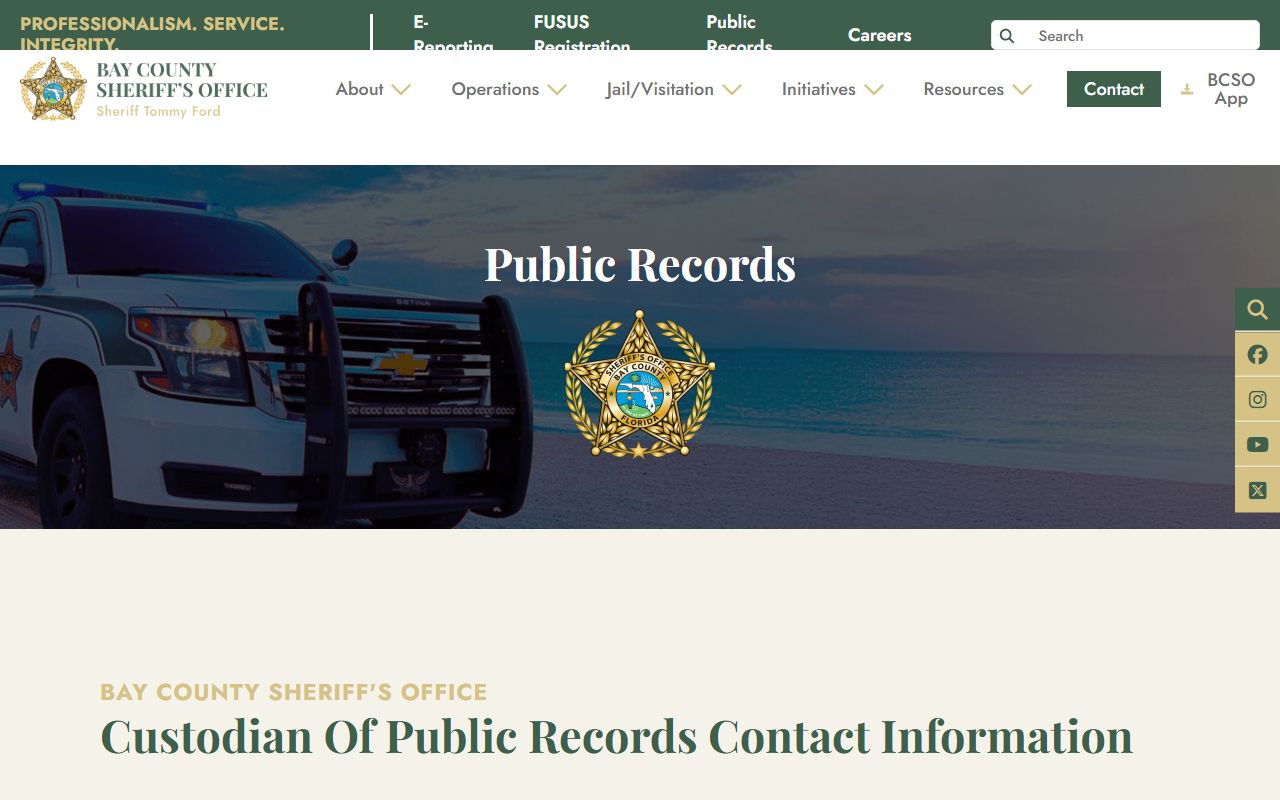
That page lists the custodian's contact block and the GovTransfer login used for Bay County jail records requests. To help staff find the right file, give the person's full name, the approximate arrest or booking date, any case or booking number you have, and state plainly that you want the booking photograph or booking record.
Fees follow the BCSO schedule. A background check costs $3.00 each, and copy charges apply per the published rate sheet. The sheriff treats a request as large when it needs more than 10 pages or more than 15 minutes to compile, review, and redact. For those, the office gives a cost estimate before it copies or releases anything. Payment is due before the work is done, and credit cards are accepted only through the online GovTransfer system.
Mugshot Removal and Sealed Records
People often ask how to get a booking photo taken down, especially after a case is dropped or the charges are cleared. There are two very different paths, and it helps to keep them apart. For the Bay County roster itself, the sheriff has no special removal policy beyond ordinary public-records rules and routine record corrections. The roster reflects custody status, so an entry tends to fall away on its own when the custody record changes rather than through a takedown form.
Commercial mugshot websites are a separate problem. These private sites copy booking photos and repost them, and some charge a fee to take a photo down. Florida law steps in here. Florida Statute 901.43 bars those businesses from charging a removal fee and requires them to remove a photo within 10 calendar days of a proper written request. The right move is a written removal demand under that statute, not a payment.
Clearing the underlying record is a third route. Florida's expunction law, Florida Statute 943.0585, sets the eligibility, the FDLE certificate process, and the court petition needed to remove a qualifying record from public access. That court and FDLE process is its own track, separate from any website takedown. The route for sealing and expunging an arrest record is covered in more detail on the court-records page.
Federal and State Booking Photos
Not every photo lives on the county roster, and it pays to know which system holds which record. The Bay County jail mugshot covers a local arrest and current jail custody. Once a person is sentenced to a Florida prison, the right tool is the state's locator, not the county app. The Florida Department of Corrections inmate search can show a state offender photo on the detail page when one is available. That covers people sentenced to state prison or state supervision, which is a different stage than a Bay County Jail booking. For more on the roster itself, the Bay County jail inmate records page goes deeper into the search.
Federal custody works differently again. The Bureau of Prisons runs a national locator that gives a person's status and location, but it does not publish federal booking photos in its public results.
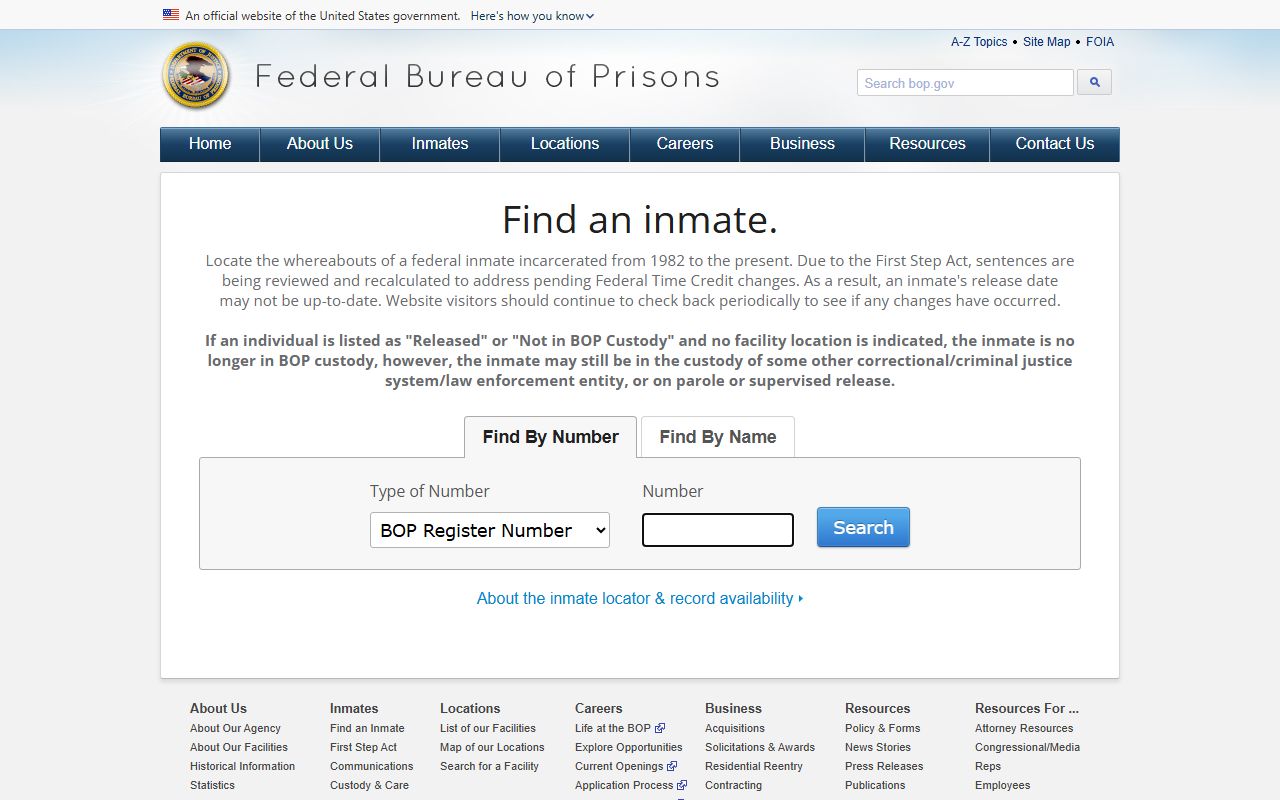
As the federal inmate locator shows, the result fields list a name, register number, age, and location, but no mugshot. Immigration custody is its own track too. The ICE detainee locator helps confirm whether someone is in ICE custody, yet it is not a mugshot source and does not search records of people under 18. So a county booking photo, a state offender photo, and a federal or immigration custody record each come from a different system, and only the local roster carries the Bay County jail mugshot.